Product
One platform for Oracle Fusion reporting
From SQL authoring to BI Publisher publishing — PRISM handles the entire workflow.
How It Works
Five steps to production reports
Connect
Securely connect to your Oracle Fusion Cloud instance
Explore
Browse Fusion views and columns with full catalog search
Build SQL
Write SQL with intelligent validation against metadata
Execute
Validate and execute queries with parameter support
Publish
Publish data models and reports to BI Publisher
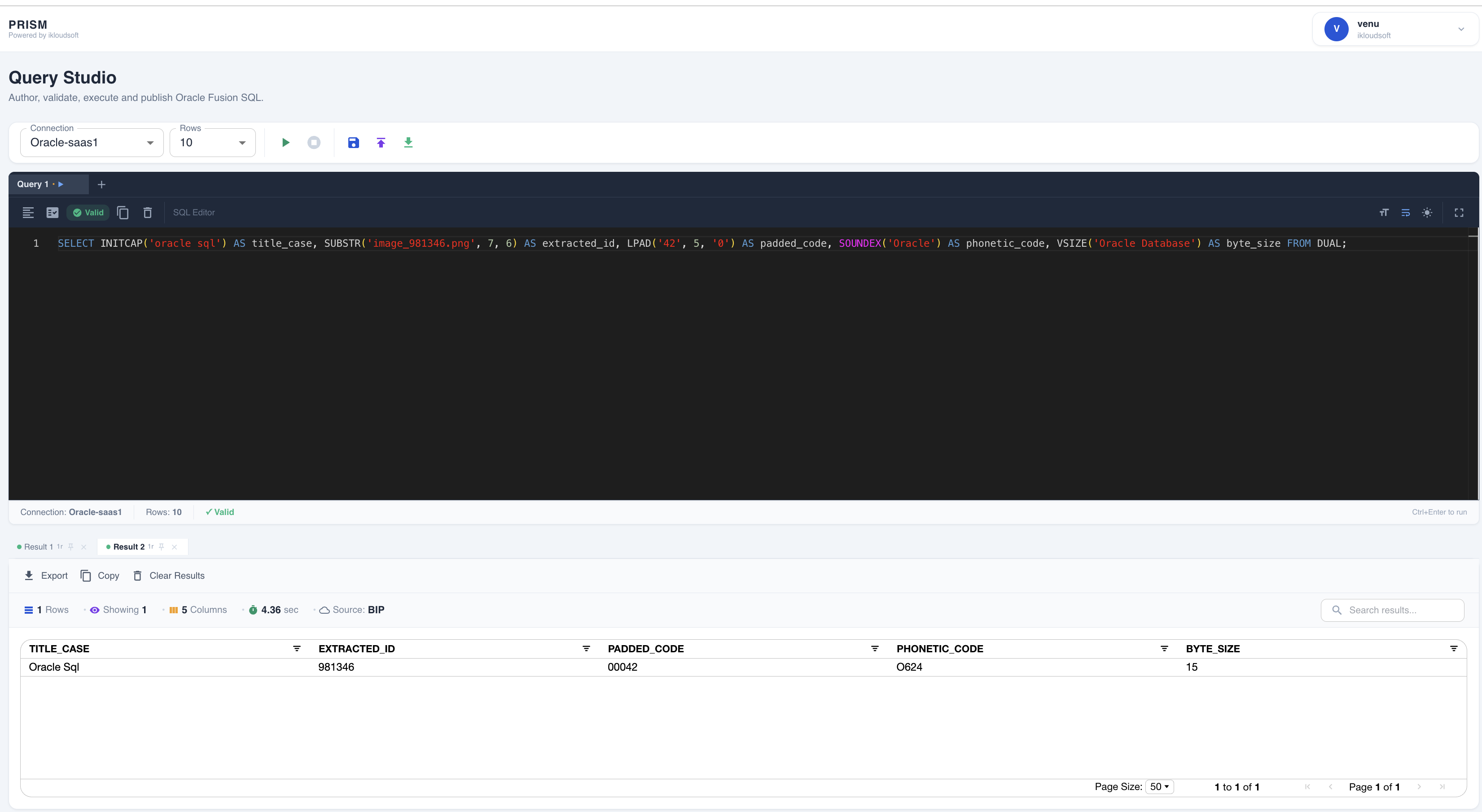
Write, validate and run Oracle Fusion SQL
Use a focused SQL workspace to author queries, validate against Fusion metadata, execute against Oracle SaaS, and publish to BI Publisher.
- Multi-tab SQL editing with real-time validation
- Structured result grid with multiple result tabs
- Create BI Publisher data models and reports from validated SQL
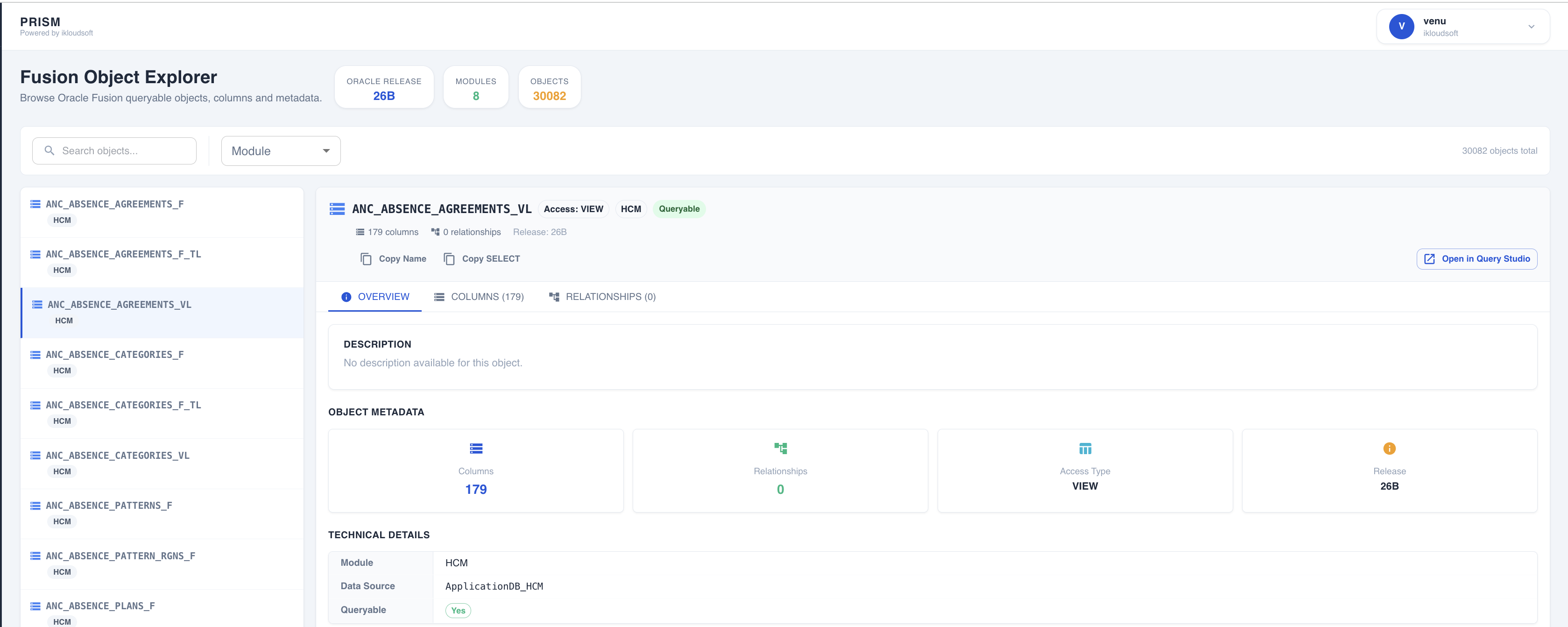
Browse the Fusion metadata catalog
Search queryable Oracle Fusion objects, inspect columns and relationships, and move directly into Query Studio.
- Searchable object catalog with module filtering
- Column and relationship metadata
- Open selected objects in Query Studio
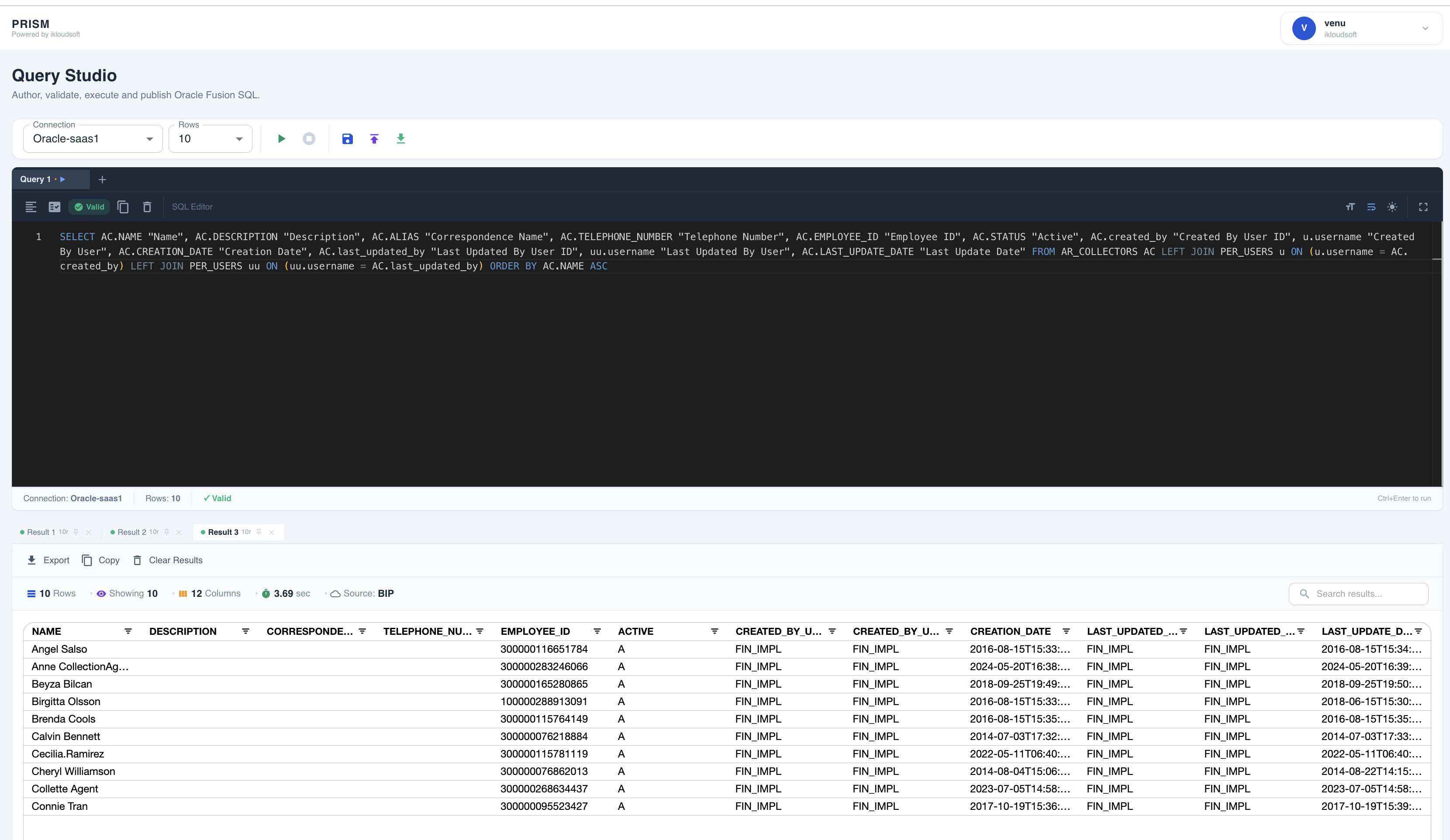
Visualize and analyze query results
Review result sets in a structured grid, search returned data, export results, and compare repeated query runs.
- Multiple result tabs for repeated runs
- Search and filter returned data
- Export and copy results
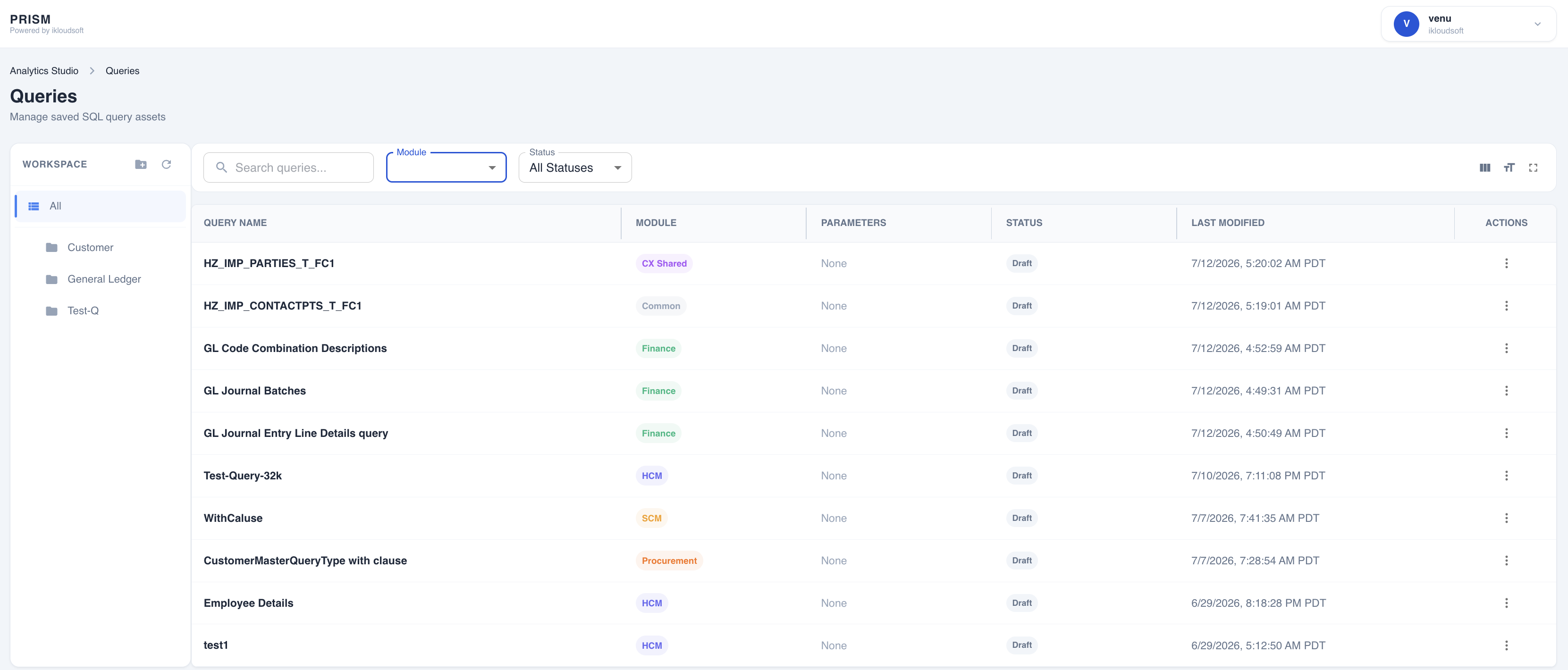
Track and revisit saved queries
Organize saved SQL by workspace and business module, then return to previous work when needed.
- Folder-based organization by workspace
- Module classification and status tracking
- Search and filtering
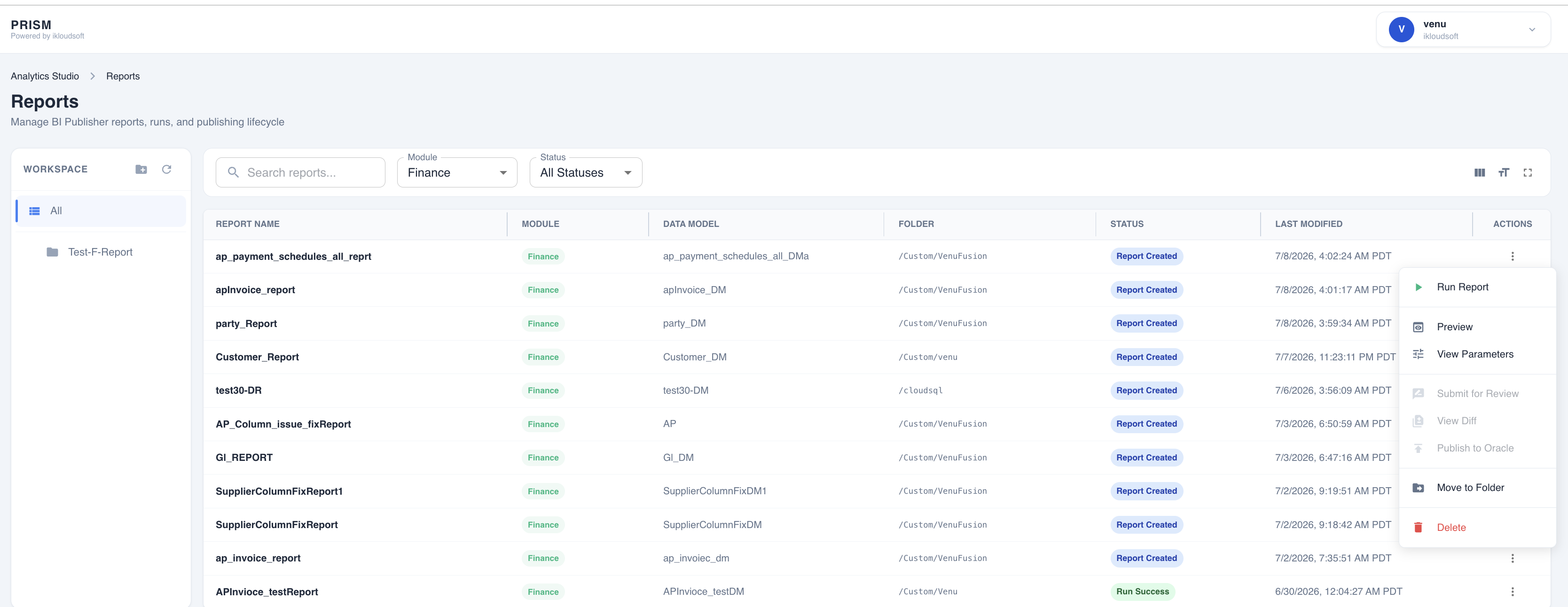
Run saved Oracle BI Publisher reports
Manage saved reports, review report parameters, execute reports against Oracle Fusion, and retrieve results from PRISM.
- Run, preview, and review parameters
- Filter by module and execution status
- Track report and data-model associations
Ready to get started?
Start your free 30-day Cloud trial and explore how PRISM streamlines Oracle Fusion reporting.